



Games

PC Gaming
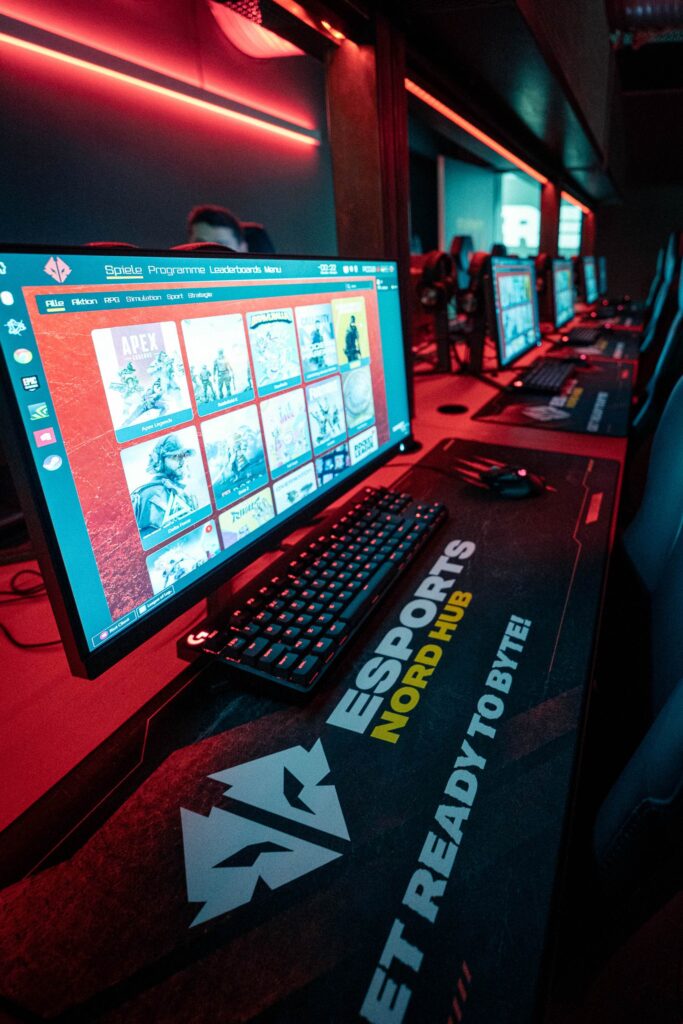
The gaming stations at the eSports Nord HUB are set up for reliable gameplay, focused practice, and group sessions. You’ll find state-of-the-art gaming PCs and everything you need for a successful gaming session!
The stations are set up so you can get started right away with minimal effort. Whether it’s a quick game with friends, a longer session, or regular team practice, you’ll find an environment at these stations where technology, comfort, and gameplay flow seamlessly together.


Console Gaming
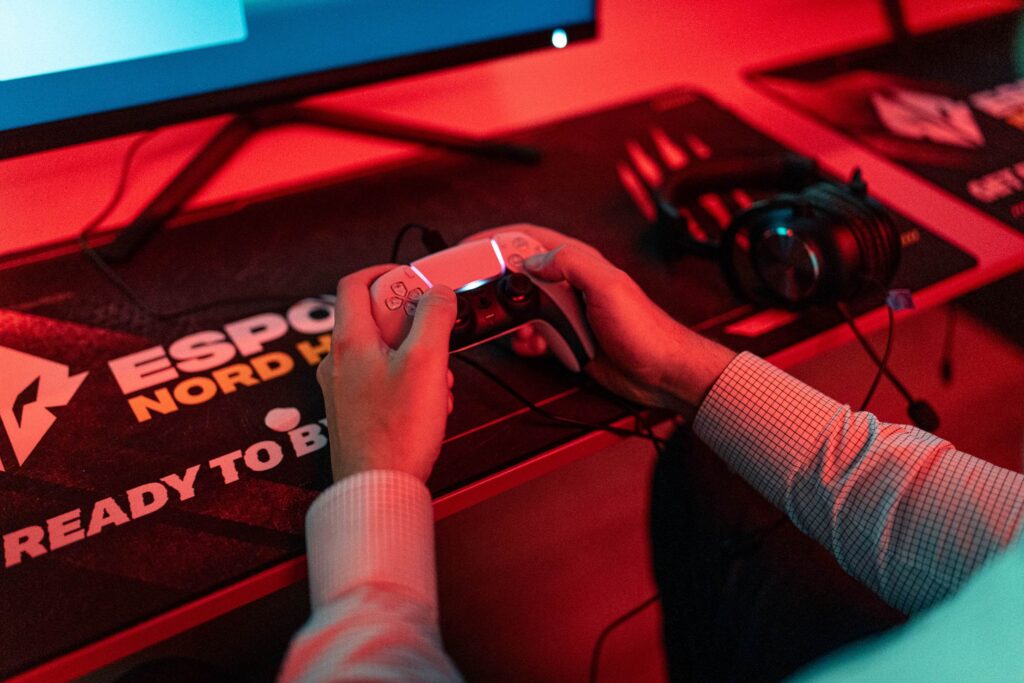
In addition to PCs, you can also play on consoles at the HUB: the Sony PlayStation 5 and the Nintendo Switch 2. In the Console Zone, six PlayStation 5 stations with 240-Hz gaming monitors await you, and the lounges are perfect for playing on the big screen.
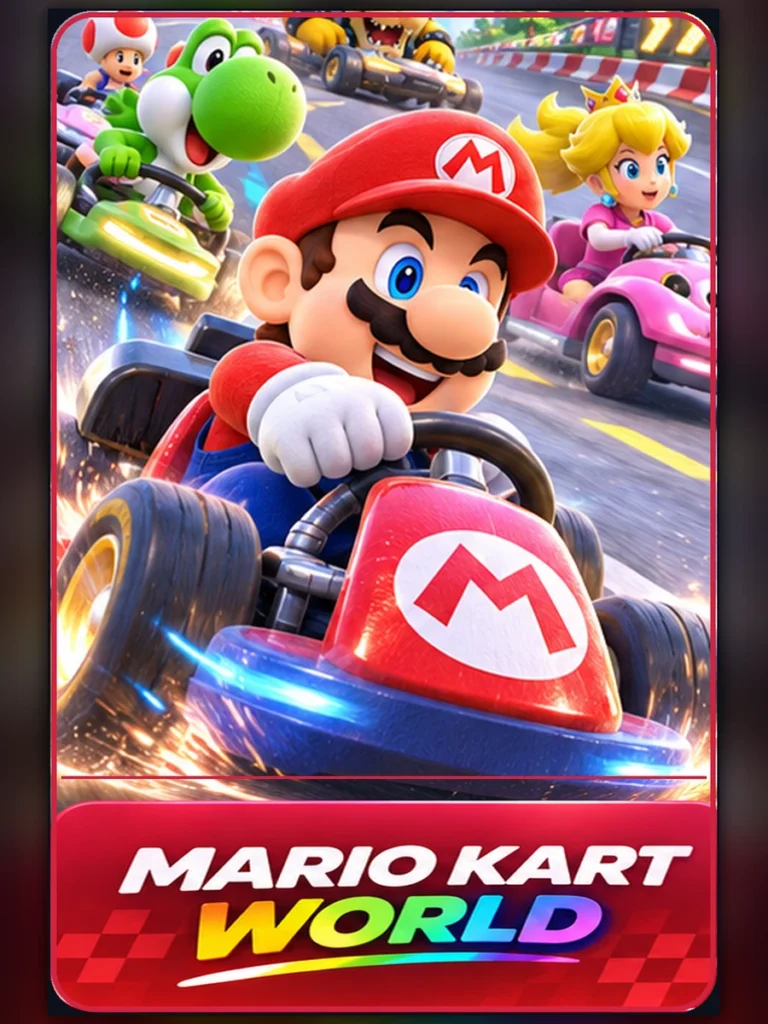
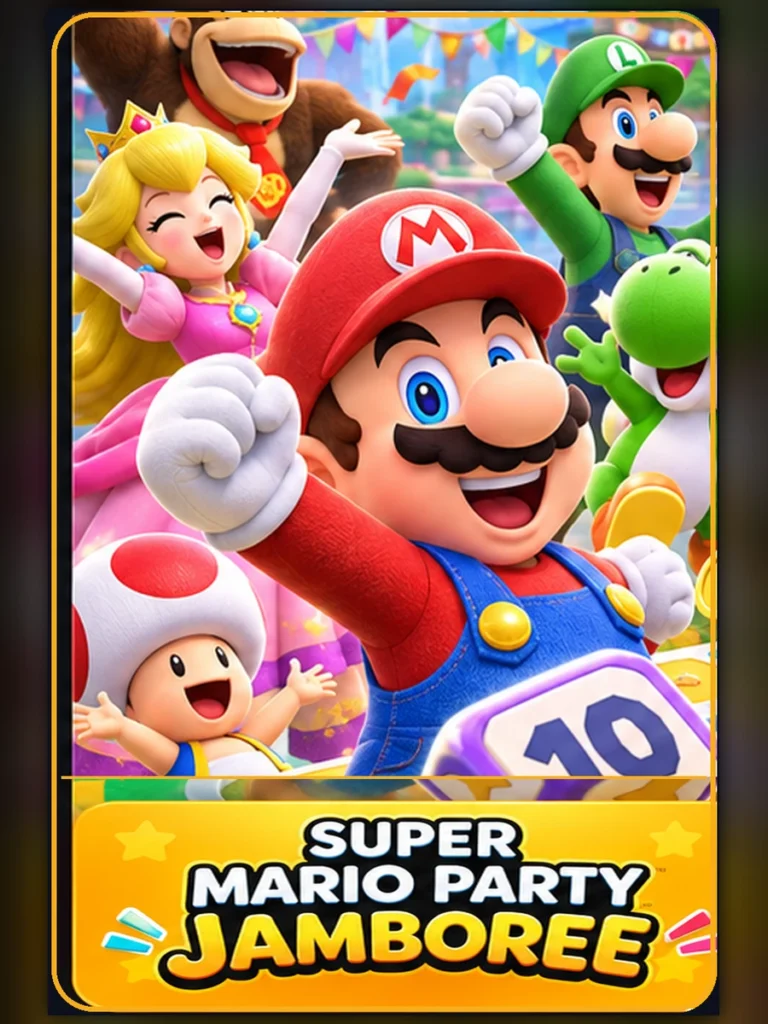
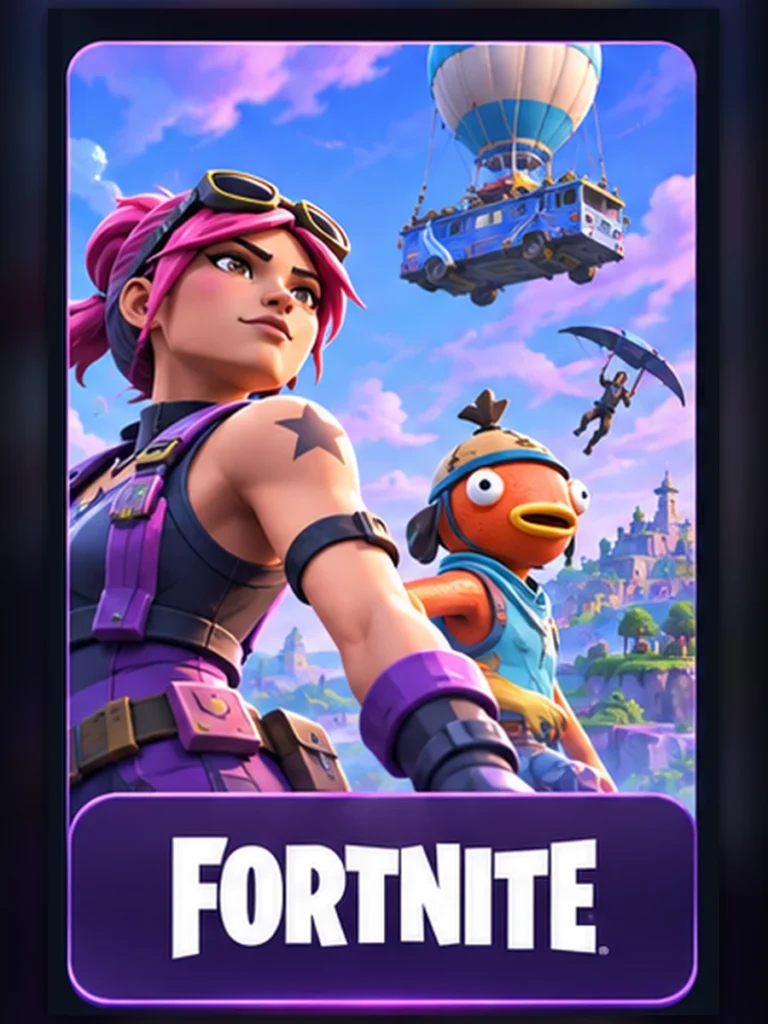
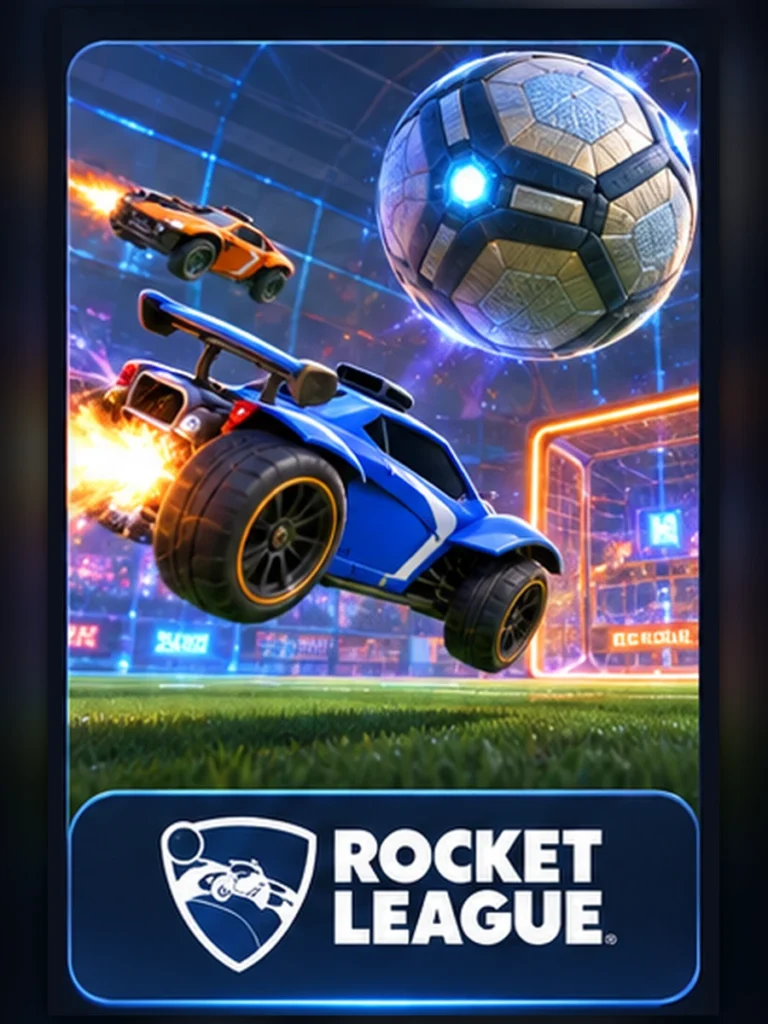
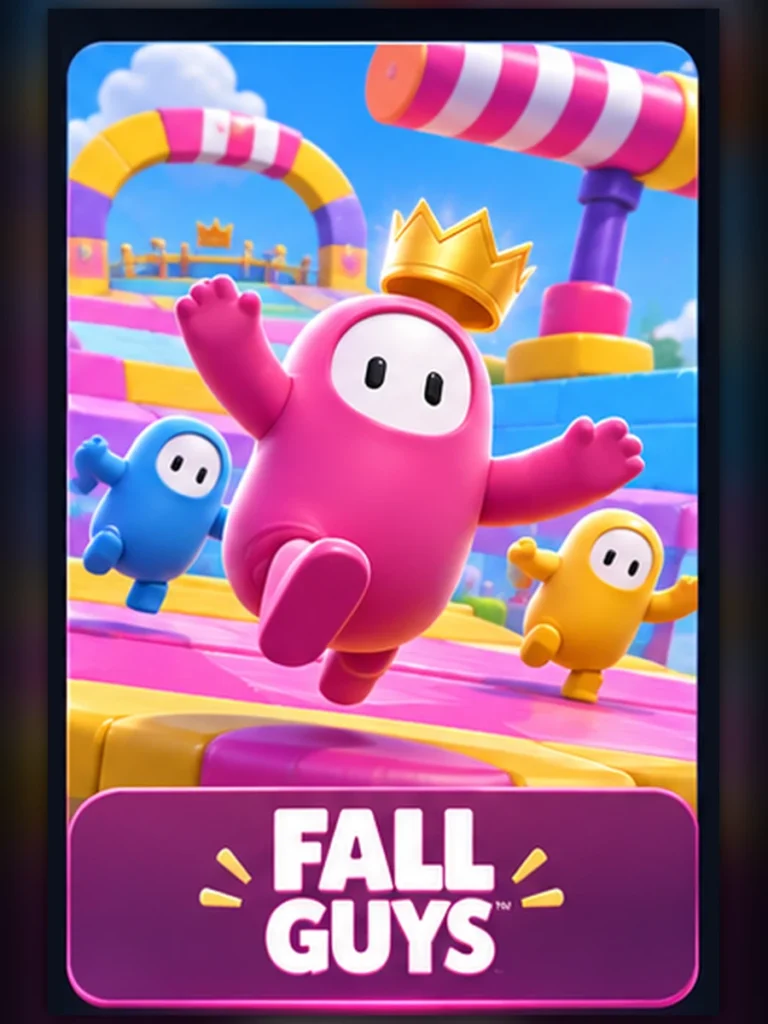
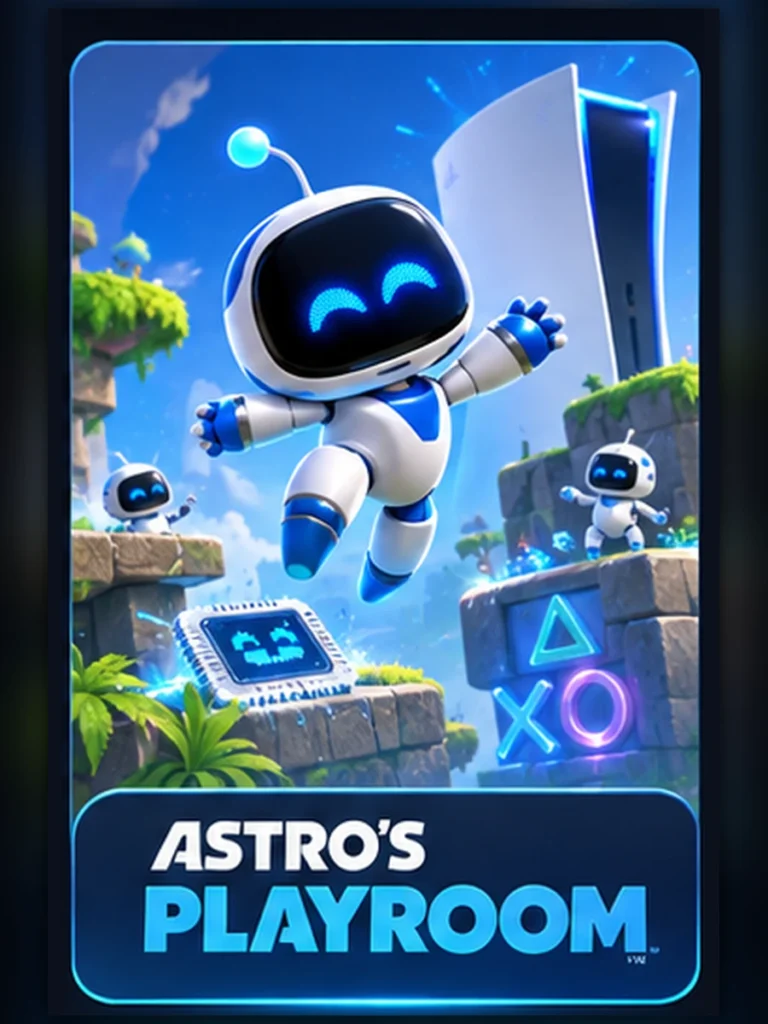
See below for a list of the console games you can play with us on Nintendo and PlayStation.
Nintendo
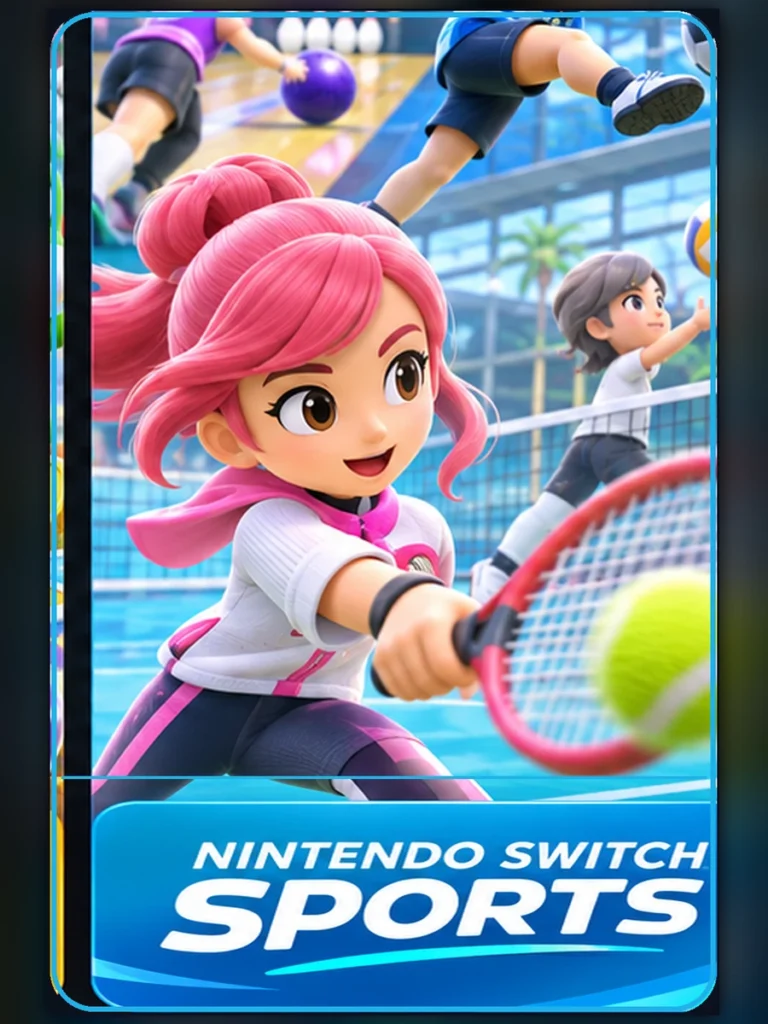
PlayStation
Services
At our gaming stations, you don’t just get a PC—you get a fully set-up environment for your session: well-equipped stations, simple processes, support if you have questions, and refreshments at the HUB.
Our goal is to help you get settled quickly so you can play without unnecessary interruptions. Whether it’s your first time here or you’re a regular, we’ll help you get started.
Process & Login
Using the gaming stations is easy. You can reserve a spot in advance or ask for an available station when you arrive. Once there, sign in for your gaming session and get started. Our system manages your playtime, so you can keep track of it and plan your session flexibly.
For many games, you’ll use your own account on the respective platform. This way, your games, settings, and progress stay with you. After your session, be sure to log out everywhere to keep your data secure.
Available Games
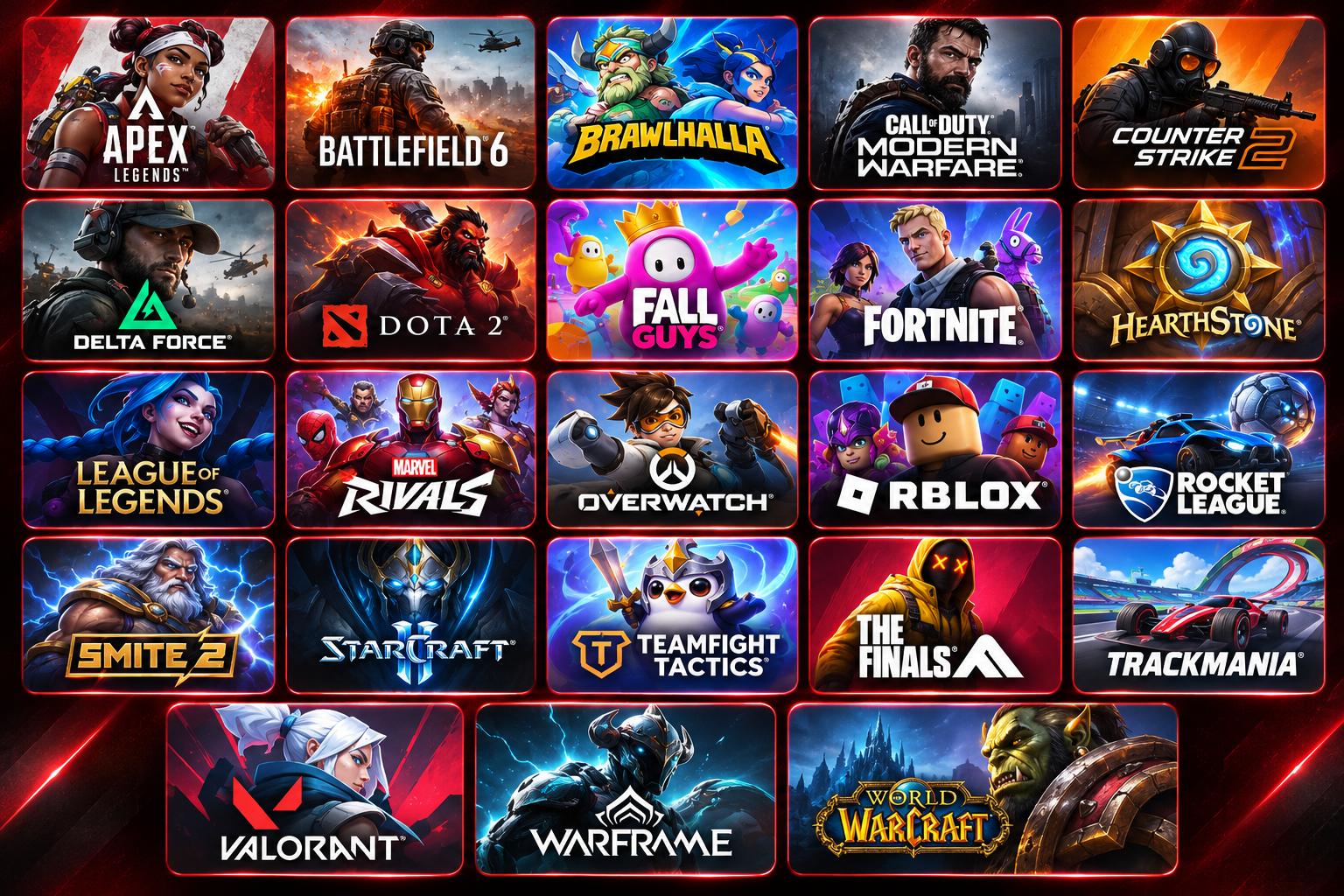
The games available at the gaming stations depend on the specific setup, the installed platforms, and the providers’ licensing terms. You can generally play many popular multiplayer and competitive titles as long as they’re available through your own account.
Want to play a specific game or practice with your team? It’s best to let us know in advance. We’ll then check whether the game you want runs on the stations and if any preparations are needed.
Leaderboards
On our leaderboards, you can measure yourself against other players in the community. Depending on the game and format, we display results, points, or rankings.
This creates additional competition within the HUB: You can track your progress, compare yourself to others, and show what you’re made of.
How do I reserve a spot?
You can drop by on the spur of the moment and ask if there’s an open spot. However, during busy times, we recommend making a reservation in advance.
If you’d like to come with a group or need a specific setup, it’s best to contact us beforehand. We’ll then check which spots are available and what needs to be prepared for your session.
Do I need my own hardware or games?
You don’t need your own hardware. At the gaming stations, you’ll have access to a PC, monitor, keyboard, mouse, headset, and gaming chair.
For many games, you’ll use your own account on the respective platform. This allows you to access your games, settings, and progress. You may bring your own equipment, such as a mouse, keyboard, or headset, by prior arrangement.
How old do I have to be to play with you guys?
When using our gaming stations, we adhere to legal youth protection regulations and the age ratings of the games. So it’s not just your age that matters, but also which game you want to play.
For younger guests, special rules may apply depending on the game, time of day, and occasion. If you’re unsure, just ask us beforehand. We’ll let you know what’s possible.